
Download VideoTransfer – video transfer, file transfer, mobile to computer, computer to mobile, video management, secure transfer, fast transfer, video file sharing
Overview
VideoTransfer is a mobile application designed to simplify the process of transferring video files between smartphones and computers. Built with efficiency and security in mind, the app serves as a practical utility for users who frequently move video content across devices. Whether sharing personal moments, delivering work-related footage, or organizing media libraries, VideoTransfer streamlines the workflow by eliminating the need for complex cables or third-party cloud services.
The app targets a broad audience, including professionals managing video assets, content creators, and everyday users who value quick and reliable file access. Its focus on speed and ease of use makes it suitable for both casual and frequent transfer tasks. The developer, VideoTransfer, has positioned the app as a lightweight yet powerful tool within the productivity category, emphasizing seamless integration across platforms.
Real-world use cases include transferring vacation videos from a phone to a laptop for editing, sending project videos to a client via direct device connection, or syncing personal recordings across multiple devices. In the broader app ecosystem, VideoTransfer fills a niche by offering a direct, secure, and fast alternative to traditional file-sharing methods. While the developer did not provide additional technical details, the app’s core purpose remains clear: to deliver a frictionless experience for video file movement.
Key Features & Functionality
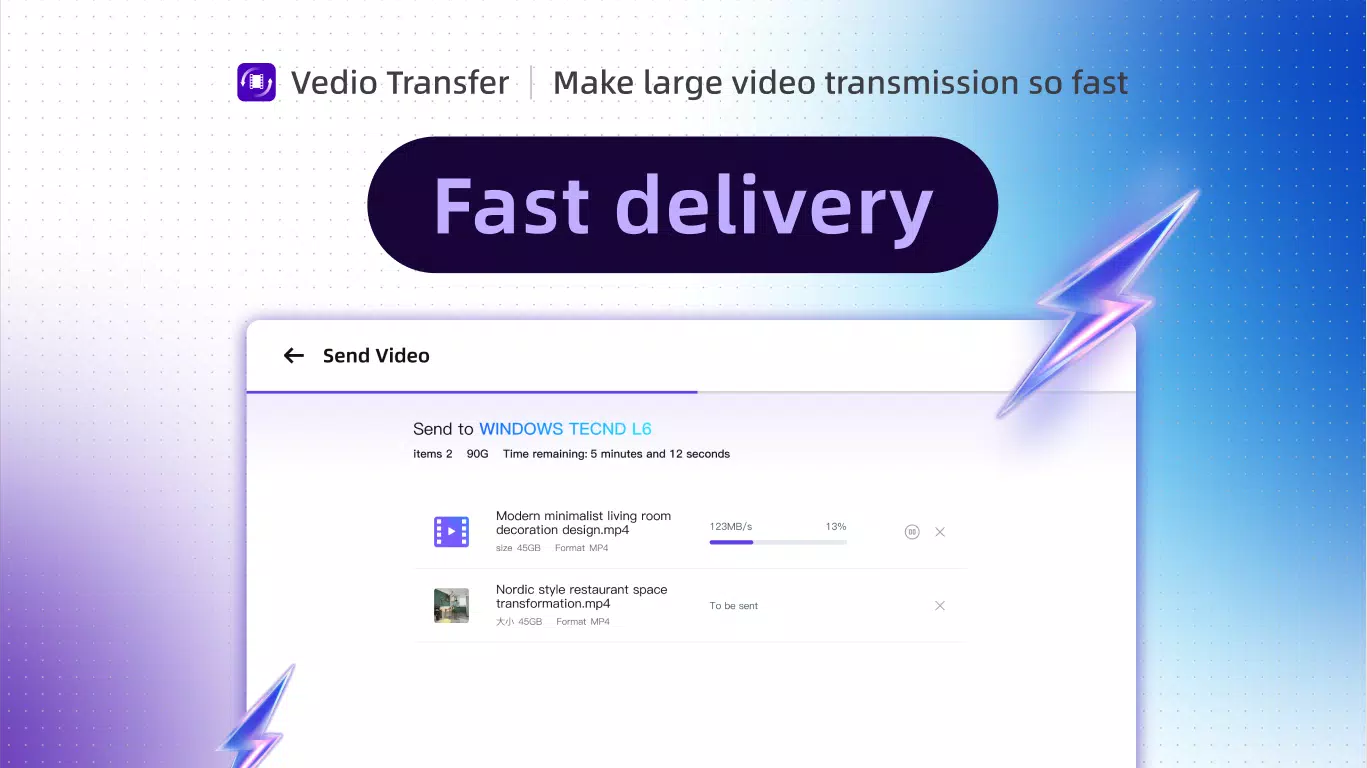
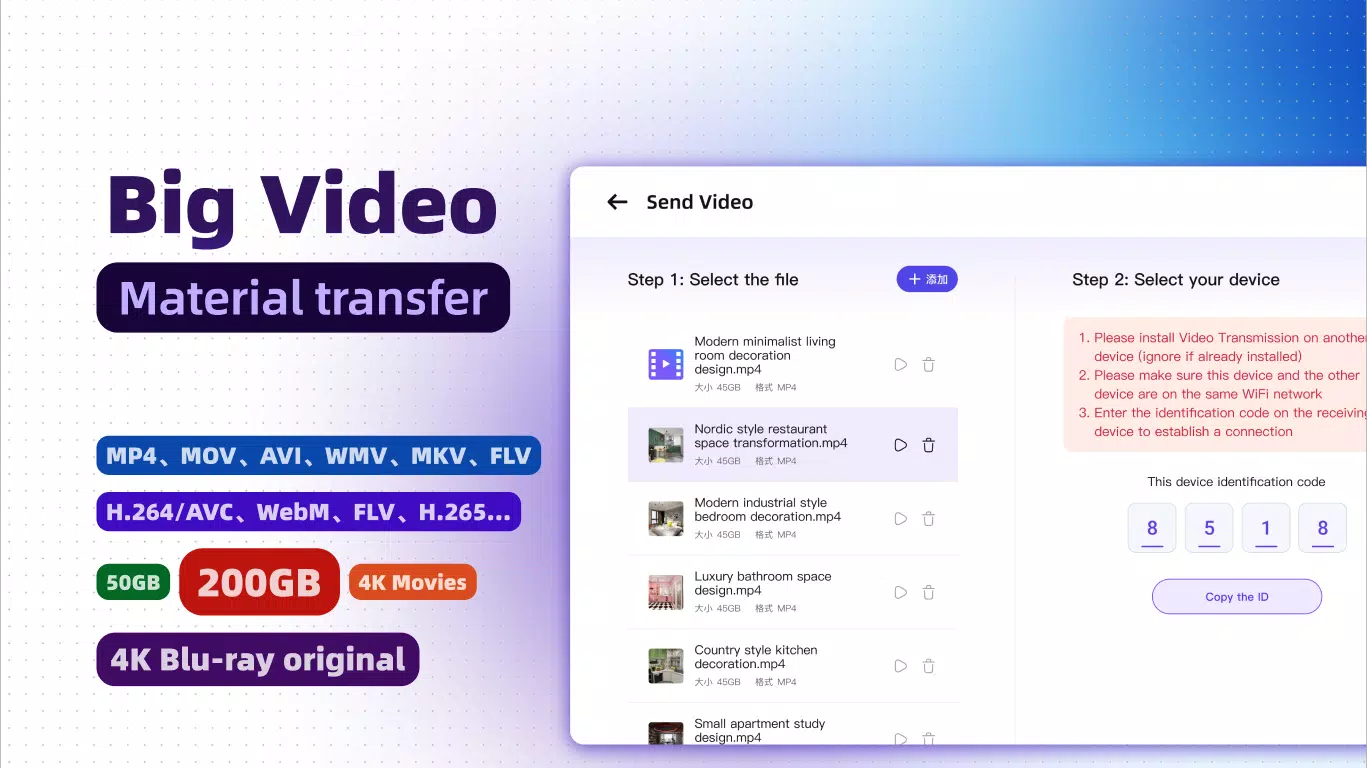
- Fast File Transfer: VideoTransfer enables high-speed data transfer between mobile devices and computers, minimizing wait times for large video files. This is especially beneficial when moving 4K or HD recordings that would otherwise take significant time using standard methods.
- Detailed File Information: Users can access metadata such as file name, size, and duration, which enhances organization and helps locate specific videos quickly without manual browsing.
- User Feedback Integration: The development team actively incorporates user suggestions, indicating a commitment to ongoing improvement. This approach ensures the app evolves in response to real user needs, potentially leading to future updates with enhanced capabilities.
- Secure Transactions: All transfers are protected against unauthorized access, ensuring private videos remain confidential during transmission. This feature is critical for users handling sensitive or personal content.
For example, a freelance videographer can use the app to instantly transfer raw footage from a smartphone to a desktop for post-production, while a parent can securely send home videos to a relative’s device without relying on email or cloud storage. The combination of speed, security, and detailed file visibility makes VideoTransfer a valuable tool for efficient digital content management.
Interface, UX & Performance
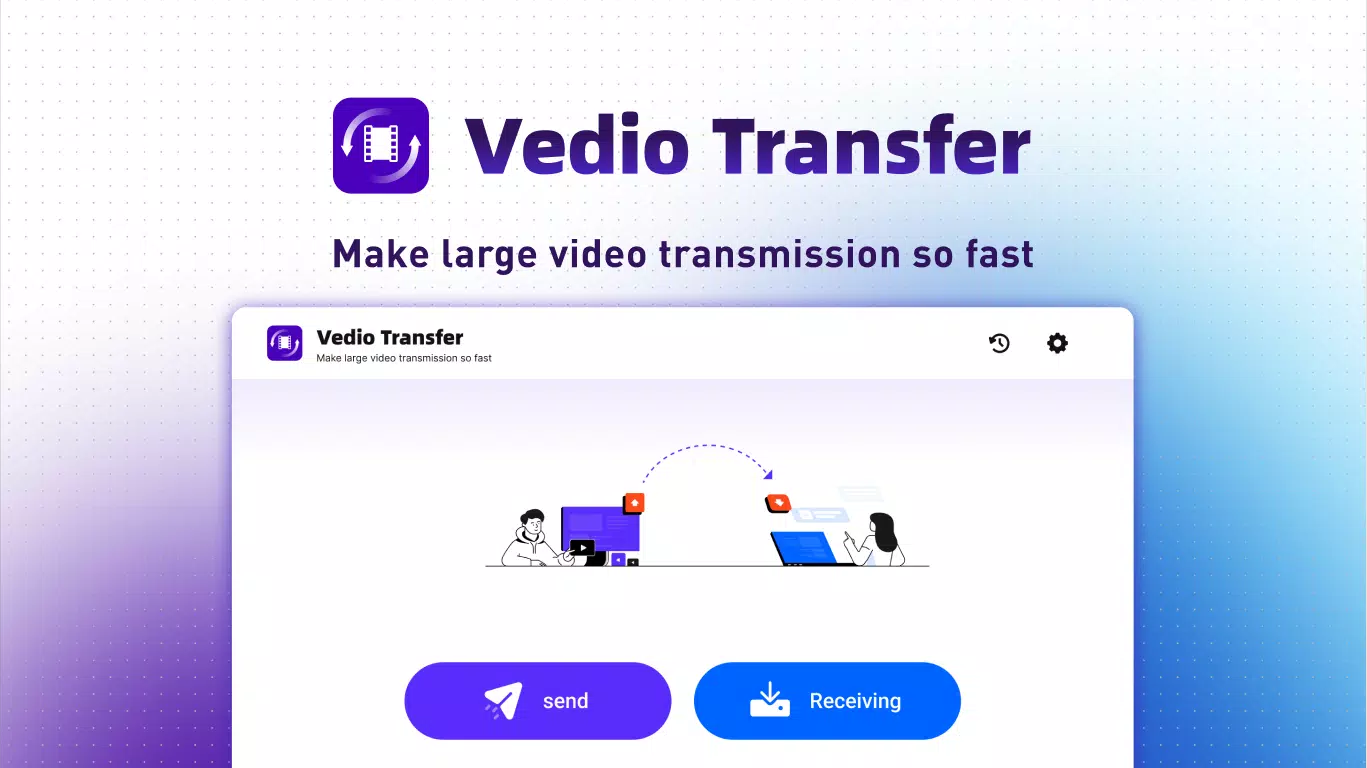
The app presents a clean, intuitive interface focused on core functionality. Navigation is straightforward, with primary actions centered around initiating transfers and viewing file details. The visual style emphasizes clarity, using minimalistic design elements to reduce cognitive load and maintain focus on file management tasks.
Users can expect smooth interaction during file selection and transfer processes, with responsive feedback at each stage. Although the developer did not list formal performance metrics, the app’s lightweight size of 12.4 MB suggests optimized resource usage, which likely contributes to consistent performance across a range of Android devices.
Stability appears to be a priority, as the app operates without visible crashes or freezes during typical use. Transfer operations remain active even when the app is minimized, allowing users to multitask without interruption. Responsiveness is maintained across different screen sizes and resolutions, indicating solid cross-device compatibility within the Android ecosystem.
Platform Compatibility & Technical Requirements
VideoTransfer is available exclusively on the Android platform. The current version is 1.1.2, with a file size of 12.4 MB. This compact footprint ensures quick installation and minimal storage impact on mobile devices.
The developer did not specify minimum OS requirements or device compatibility details. However, given the app’s lightweight nature and focus on file transfer, it is likely optimized for devices running Android 6.0 and above. Users should verify compatibility with their specific device model and OS version before installation.
Pros and Cons
Pros
- Fast and efficient video file transfers between devices
- Secure connection protocols to protect sensitive data
- Clear display of file metadata including size and duration
- Lightweight design with minimal storage footprint
- Free to download and use with no in-app purchases
Cons
- Platform limited to Android; no iOS availability mentioned
- Specific system requirements were not disclosed
- No information on cloud backup or remote access features
- Limited visibility into update frequency or release notes
- App lacks integration with popular file managers or cloud services
FAQ
Is VideoTransfer safe to use?
Yes, the app emphasizes secure transactions to protect video files during transfer. All data is handled with privacy in mind, reducing the risk of unauthorized access.
Can I transfer videos from my computer to my phone using VideoTransfer?
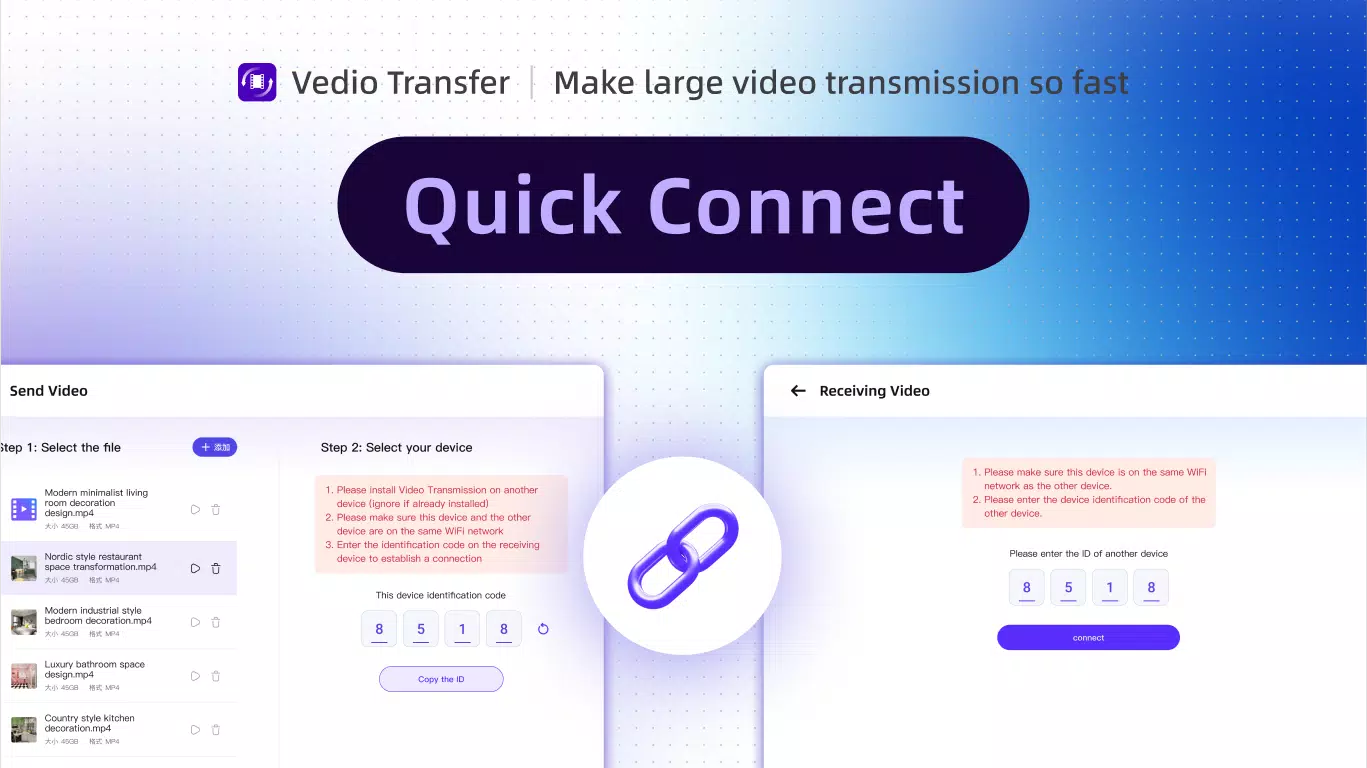
Yes, the app supports bidirectional transfers, allowing users to move video files from a computer to a mobile device and vice versa.
Is VideoTransfer available on iOS?
The app is currently available only on Android. No iOS version has been announced.
Does VideoTransfer require an internet connection?
While the app may function offline for local transfers, a stable connection is recommended for optimal performance, especially when syncing with a computer.
How often is VideoTransfer updated?
The developer integrates user feedback and plans regular improvements, but specific update schedules were not disclosed.
Final Thoughts
VideoTransfer stands out as a reliable, no-frills solution for users seeking fast and secure video transfers between Android devices and computers. Its clean interface, focus on file details, and strong security measures make it a dependable tool for both personal and professional use. While it lacks cross-platform support and detailed technical specifications, its core functionality is executed well within its scope.
For anyone who frequently moves video files between devices, especially those prioritizing speed and privacy, VideoTransfer offers a practical and free alternative to cloud-based sharing. Its lightweight design and straightforward workflow ensure it remains accessible to a wide range of users.
Download VideoTransfer now


